
SMS MARKETING IN AUSTRALIA
From first text to closing the deal, SMS converts.
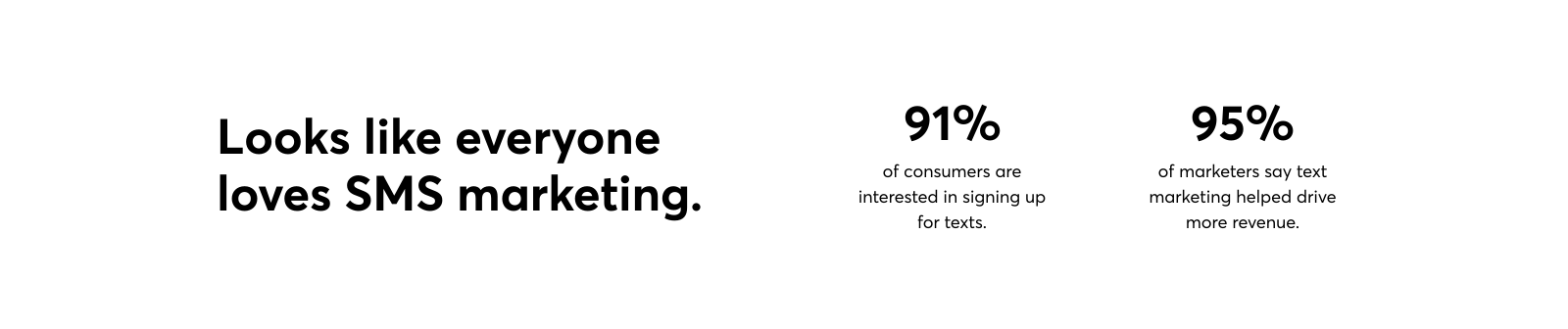
With a 98% open rate, SMS marketing is the ultimate wingman for small businesses in Australia.
SMS can be added in your account after purchase.

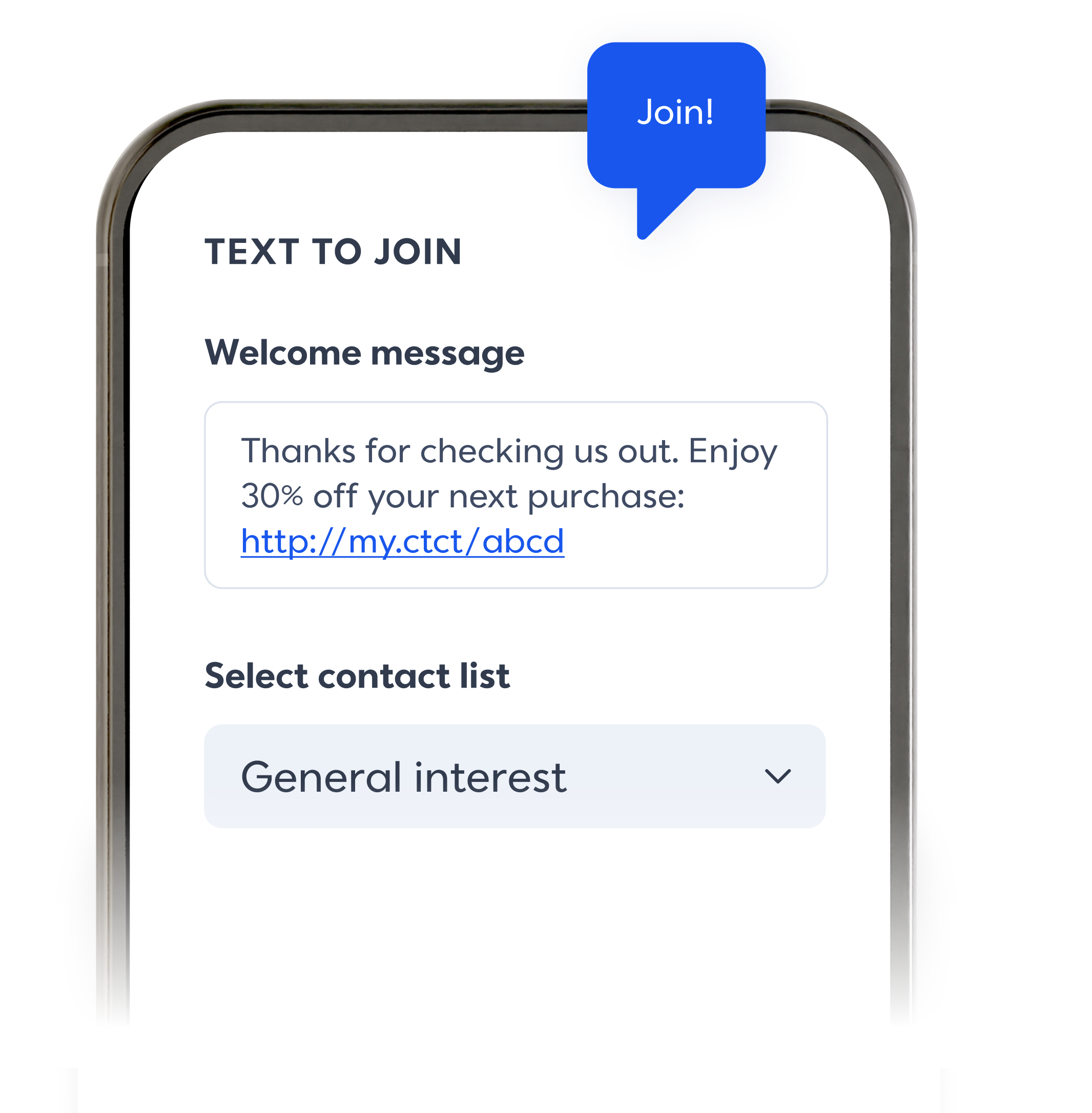
Opt in to new contacts.
Make it easy for people to join your email and SMS lists with Text to Join and customisable landing pages.

Get your message read.
With open rates as high as 98%, SMS is a powerful tool to grow your reach. Pair with email to boost results across channels.

Keep it short and sweet.
Quickly send texts to your customers, no design needed. Share forms, images, links and more to raise awareness for your business.

Send texts. Make sales.
Share special offers with customers. Send automated VIP alerts, abandon cart reminders, event updates, notifications, and more.
Banish writer's block with AI.
Let AI writing assistance spin a few keywords into ready-to-use copy you can plug into your SMS campaign.


Text, test, and track.
Learn exactly what drives results — and success. From clicks to purchases, compare performance by SMS campaign or time frame to learn what works and fix what doesn’t.

Looking for a little inspiration?
Explore real‑world email template examples and ideas to boost your sales.

Checklist: Getting Started with SMS Marketing
Download this free guide to use SMS marketing for your small business or organisation.

Text Ideas that Actually Work
Not sure what to text your contacts? Boost engagement with these ideas.

5 Steps to SMS Marketing Success
Use these tips to grow your business with SMS and see real results.
Frequently asked questions
If you’re based in the United States or Australia, you’re in luck! SMS is now available on all Constant Contact plans. If you’re outside of these markets, stay tuned for updates on when SMS will be available to you.
For Lite and Standard plan customers, you can add SMS to your Constant Contact account starting from $40/month AUD.
For Premium plan customers, you already have up to 500 messages on your account for free. Need more? Follow the instructions below to increase your monthly tier.
To start sending SMS, follow these 4 steps:
Log in to your Constant Contact account.
Go to “Account,” then “Settings,” and look for “Add-Ons.”
Select the SMS marketing add-on.
Follow the prompts to complete the purchase and set up your SMS marketing service. This may include setting up a dedicated phone number, creating opt-in forms, and configuring compliance settings.
From here, there is an approval process to activate your number and set-up your account before you can start sending SMS to your contacts.
SMS marketing is a monthly add-on to your current plan. The cost is applied to your account but you can cancel anytime.
If you don’t use the SMS in a given month, you will still be charged the add-on fee and the messages do not roll over.
When you first add SMS to your account, you choose your starting pricing tier based on the number of texts you plan to send.

For higher tier pricing, contact our support team.
Once you’ve sent an SMS campaign, you’ll have access to insightful data covering key data such as:
Sent & Delivered
Click Rate
Bounces
Unsubscribed/Opt Out
Clicks
Note: We do not offer two-way SMS at this time (except to allow for opt outs), so any replies to your SMS messages cannot be seen.
Yes. SMS messages can be personalised with information chosen from contact property (such as first name) or account property (such organisation name). The options come from the contact entry fields including custom fields.
You can include emojis (but note it impacts your character limit) however, Constant Contact does not currently support sending images, GIFs, or MMS messages.
Yes. You can choose to build paths just for SMS contacts, just for email contacts, or include both email and SMS steps within the same path. You can also invite any email contacts who haven't yet opted in to SMS marketing to do so.
Got more questions? We’ve got more answers. Check out the full FAQs on Community.