
Event Marketing Tool
Run events smoothly, every time.
From non-profit fundraisers to classes to pop-ups, it’s easy to create, promote, and manage in-person and virtual events, all from one event marketing tool.
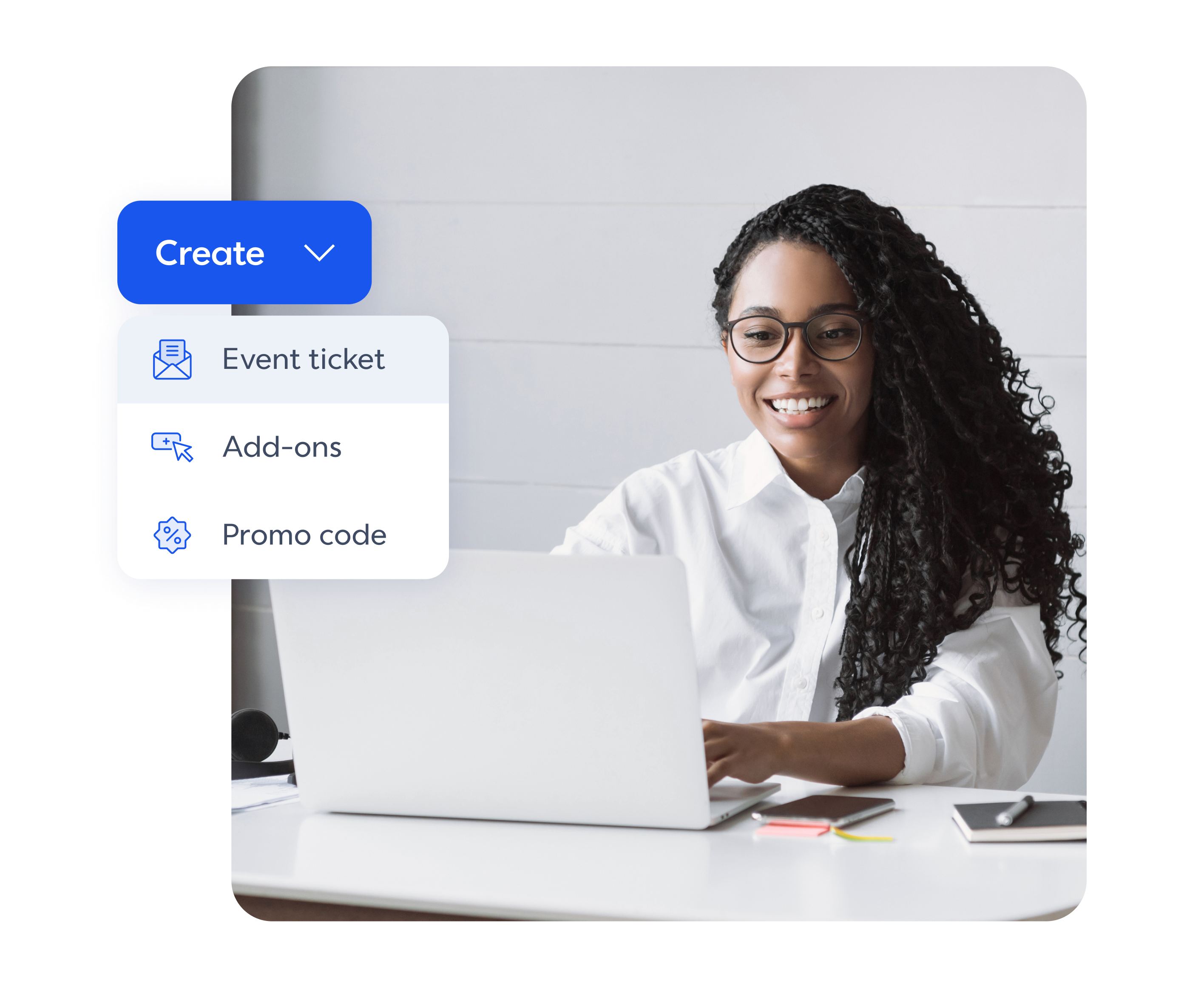
1. Create invitations, landing pages, and tickets.
Build polished invites, a branded event page, and start selling tickets online in minutes.
Gather your guest list.
Import contacts and start sending personalized email invites. Use promo codes for early‑bird or VIP pricing, collect RSVPs, and automatically add attendees to your event marketing list.


2. Promote with email and social.
Spread the word by promoting your event with scheduled social posts, and timely emails.
Get more done with automations.
Save time handling day-of messages and last-chance nudges with automations that do the reminding for you.
3. Manage payments and track results.
Take online payments for ticket sales or donations using Stripe or PayPal. See what’s selling, process refunds, and more. Plus, track payments, attendance, and post-event stats in one reporting dashboard.
Win time back post-event.
Make it easy to run events on repeat with thank you emails and follow‑ups you can set up in a few clicks.

Everything you need to run events people love.
Grow your subscriber list with every attendee you register, and keep your branding consistent across emails and landing pages.

Promo codes and early‑bird pricing to boost RSVPs

Built‑in contact management and list growth

Easy payments and event check-in for attendees

Real‑time dashboards with the metrics that matter
Work with tools you already use.
Keep events running smoothly by connecting your favourite apps to Constant Contact.
Keep payments easy and secure with Stripe and PayPal
Sync design tools Canva to make event invites, embed videos with Vimeo, and more

Get inspired with ideas for virtual and in-person events.

Retail
Host exclusive events, like product sneak peeks, to reward and re-engage past customers.
Download now


Keep customers coming back for more with events that suit your small business goals.
Download now
Frequently asked questions
With Constant Contact’s event marketing platform, you can run physical, in-person events, virtual sessions, or both! Events can be free for the community, or you can charge for admission.
Host an online event by including the access link for a web conferencing tool within your event — whether that’s Google Meet, GoTo Meeting, MS Teams, Webex, or Zoom. Make sure to share the "join now" or "direct link" URL for your virtual event.
No, you don’t need a website in order to promote your event. There are tons of other ways to get the word out! You can create customizable signup forms and landing pages within Constant Contact to generate buzz, share event info widely on social media, or send event reminder emails to encourage registration.
Yes, both! You can set up ticket sales and accept payments using Stripe or PayPal. Our event marketing tool uses a ticket-based model, so that means you must build at least one ticket to activate your event. However, tickets can be marked as “paid” or “free,” so you can flexibly host free events or accept payments for certain paid events.
To get started accepting payments, head to the “Payment” step in the Events builder in Constant Contact to configure a payment method for your event. Link Stripe to accept payments via credit/debit card, Google Pay, Apple Pay, and Stripe Link. Choose PayPal to accept payments via PayPal, credit card, Venmo, and Pay Later.
Yes, you can. It’s a two step process:
First, process the refund. If a registrant paid digitally (using Stripe or PayPal), you must initiate the refund directly through their respective payment processor. Note that while Constant Contact's platform fee is fully refunded upon cancellation, the fees charged by PayPal (3.49% + $0.49) or Stripe (2.9% + $0.30) are generally not refundable.
Then, update the attendee’s registration status. Once you have processed the refund in the payment system, you then need to manually update the registrant's information in Constant Contact. Set their payment status to "Refunded" or cancel their registration, depending on the details.
Absolutely. You can customize the tickets you create for an event in a variety of ways, like capping the number of available registrations based on quantity, or creating a special promo code or discount. Create tiers of admission, generate printable tickets, and set overall event capacities. You can even limit the number of tickets sold per order.
There are tons of ways to promote your event to your existing audience and expand your reach so your business or cause is introduced to new people. Boost attendance by sharing an invite via email, or post the event landing page on social media to your base.
Add an event HTML widget to your website to grab the interest of your website visitors. Or, set up your event landing page on Google or Meta ads to reach a wider audience.
Don’t just share your event information once. Shout about it from the (digital) rooftops. Set up automated emails and texts to keep promoting the event and remind people that time is running out. Exclusivity and fear of missing out can help you get registrants as late as the day of your event. If you still have tickets on your hands, offer a last-minute discount or encourage registered attendees to bring a plus one.
Tracking registrations and performance is done through your event dashboard, primarily on the Reporting tab. This allows you to view a comprehensive registrant list that includes details like payment status, ticket total, and payment total. You can easily filter the list by registration status or payment status. Or, search for individuals by name or email. Plus, the dashboard easily lets you check in attendees upon arrival, manually register someone, or edit registration or contact details.